
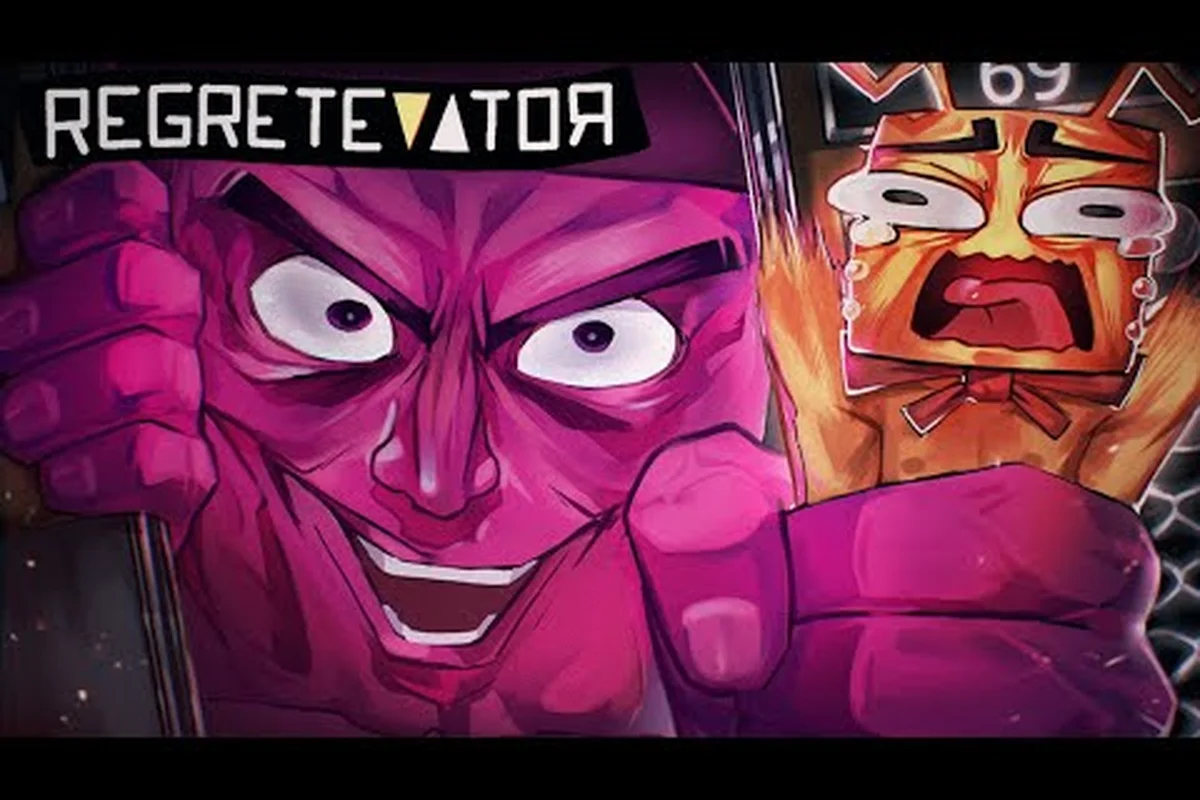
Riding a chaotic elevator with nine other players is the entire premise of Regretevator, so getting your friends into the same server is the very first thing a new squad has to learn. The official Roblox page confirms that the title supports up to 10 players per server, which means you can fit a small friend group, a clan, or a full content-creator squad into one elevator ride without anyone sitting out. This guide walks through the exact join flow, the controls each platform uses, the role splits that win objective floors, and the emotes that keep your group talking when text chat gets crowded.
Joining a Friend's Server and Filling the Elevator
Roblox uses a server-based matchmaking system, and Regretevator inherits it, so the only way to guarantee your friends land in the same elevator is to join a private server link directly. A public server can seat up to 10 players, but Roblox's matchmaker can split your group across different instances if you queue separately. Following the join flow below keeps everyone in the same elevator from floor one.
Step-by-Step Join Flow
The fastest path is the invite link, but there are reliable fallbacks if the link expires or your friend is on a different platform.
| Step | Action | Platform | Notes |
|---|---|---|---|
| 1 | Open the game page on Roblox and click the green Play button | PC / Mobile / Console | Loads the default public server |
| 2 | Ask the host to click the ⚙️ icon, then select Create Private Server | PC / Mobile | One Roblox owner per private server |
| 3 | Copy the shareable Server Link from the private server menu | All | The link is tied to the owner's account |
| 4 | Friends paste the link into their browser, accept the prompt, and Roblox boots them into the same instance | All | Up to 10 simultaneous players |
| 5 | If a friend is offline, reserve their spot with the Allow Friends to Join toggle | PC / Mobile | The slot stays open until they log in |
Private servers cost a small monthly Robux fee when the owner activates them, but they are the most reliable way to lock in a squad of 6 to 10 regular players. For shorter sessions, the Join Friends button on the game's main page will leapfrog you into any friend who is currently inside a public server, provided that server has not capped at the 10-player limit.
When Private Servers Are Worth It
Private servers shine whenever your group wants to grind the same floor repeatedly. Floor Streak bonuses, daily challenge completions, and badge progress all stack per visit, so replaying Hotel Floor or Fun Flood with a coordinated team is the most efficient way to push account progression. The official Regretevator page on Roblox lists the 10-player cap as a hard ceiling, and community testing on the r/regretevator subreddit confirms that private servers keep the same group together across reboots, while public matchmaking can re-roll the roster every elevator ride.
If you do not want to pay for a private server, schedule a playtime window with your group. The matchmaker is friendlier to coordinated joins when everyone clicks the link within a 30-second window, because the queue tends to drop late-joiners into the same instance.
Regretevator Controls Guide for Every Platform
Controls change a lot between PC, console, and mobile, so this regretevator controls guide section lays out the exact bindings each platform uses. Regretevator's elevator hub is mostly navigation, while the individual minigame floors add unique verbs like hiding, dancing, or interacting with switches. Knowing the universal bindings first will make every floor easier to parse.
Default PC Keybinds
The default PC layout uses a mix of mouse clicks and a few keyboard hotkeys. Regretevator does not expose a full keybind editor in-game, but the Settings menu does allow a small set of rebinds for movement and emote keys.
| Action | Default Key | Notes |
|---|---|---|
| Move | W, A, S, D | Standard WASD movement |
| Jump | Space | Used on platforming floors like Flesh Floor |
| Interact | E | Talk to NPCs, grab coins, pull levers |
| Emote Wheel | B | Opens the radial menu of 8 emotes |
| Screenshot | F2 | Captures the screen for badge progress |
| Chat | / | Opens the text chat overlay |
| Camera Reset | C | Re-centers the camera behind the avatar |
On console (Xbox and PlayStation), the same verbs map to the left stick, A/Cross to interact, B/Circle to open the emote wheel, and the right trigger to use held items. Mobile uses on-screen touch controls: a virtual joystick on the left, action buttons on the right, and a swipe-up gesture to open the emote wheel.
Rebinding the Keys That Matter
The regretevator keybinds guide worth bookmarking is the one you customize. Most veteran players move Interact to a mouse side button so their thumb stays free for emotes. If you want a deep dive on the wider keybind philosophy, the regretevator beginner guide covers the movement and camera setup that pairs with these rebinds. Players who want to push past the default layout should also bind a dedicated Floor Skip Vote key if the developers add one in a future patch, because objective floors are easier to clear when you can pre-vote without opening a menu.
Regretevator Settings Guide for Performance and Clarity
Settings matter more in Regretevator than in a typical Roblox experience, because every floor ships with its own lighting setup, particle load, and physics density. A low-end laptop can chug through Flesh Floor but still drop frames on Fun Flood at Squishy's. A proper regretevator settings guide helps you keep the framerate above 30 FPS without losing visual cues that you need to survive.
Recommended Settings by Device Class
| Setting | Low-End PC / Mobile | Mid-Range PC | High-End PC |
|---|---|---|---|
| Graphics Quality | 1 (Lowest) | 5–7 | 10 (Max) |
| Render Distance | Short | Medium | Long |
| Particle Density | Off | Low | High |
| Anti-Aliasing | Off | Off or Low | High |
| Shadow Quality | Off | Low | Medium |
| Frame Rate Target | 30 FPS | 60 FPS | Uncapped |
Players who play on a phone should drop Particle Density to off, because the coin showers on Flesh Floor and the confetti bursts on Fun Flood are the single biggest frame drops reported by community testers. Mid-range PCs can usually hold 60 FPS at quality level 6 if they cap shadows to low, while high-end rigs can push quality level 10 and still stay above 60 FPS for the whole ride.
Settings That Affect Multiplayer
Multiplayer-specific toggles live under the Social tab. The most important ones are Show Player Names Above Heads, Display Emote Bubbles, and Mute Voice Chat on Join. New squads should leave the first two on, because they make it obvious which friend is which during crowded objective floors. The third option is a personal preference, but most friend groups keep voice chat on so the squad can call out switches on Hotel Floor or warn about the next Flesh Floor chase.
If you want a deeper look at how settings interact with the mobile touch experience, the regretevator mobile tips page goes into detail on battery management and touch sensitivity. A quick tip that veteran players use: turn on Reduce Camera Shake in the Accessibility tab if you tend to get motion sick, because elevator ascents stack camera shake on top of floor-specific shake.
Regretevator Emote Guide for Squad Coordination
Emotes are not just for show in Regretevator. They are the fastest way to communicate across a noisy floor, especially when text chat is full of strangers spamming emotes of their own. The regretevator emote guide below covers the emotes that double as actual callouts, and the emote wheel layout that keeps them within thumb reach.
Emote Wheel Layout
| Emote Slot | Default Emote | Squad Use Case |
|---|---|---|
| North | Wave | Greeting new friends in the elevator |
| Northeast | Laugh | Acknowledge a wipe on a tough floor |
| East | Point | Call out a switch, lever, or NPC |
| Southeast | Dance | Celebrate a Floor Streak milestone |
| South | Sad | Sympathize after a death |
| Southwest | Thumbs Up | Vote "yes" on a floor skip |
| West | Shrug | Vote "abstain" when no one knows the floor |
| Northwest | Backflip | Flex after a long survival floor |
The Point emote is the single most useful tool for friend groups, because it puts a temporary marker above whatever you are looking at. On Hotel Floor, the player who spots the killer can point at them, and the rest of the squad gets an arrow above the threat. On Flesh Floor, pointing at a power-up lets everyone know it is worth grabbing on the way to the exit.
Combining Emotes with Voice Chat
Emotes work best when paired with voice chat, but they also shine in text-only squads. A common pattern reported by community testers is to use Point + Thumbs Up to agree on a switch pull, then Point + Wave to indicate "I am going there first." Learning this mini language takes about an hour of practice, but it cuts down on the chat noise that dominates objective floors.
If you are still building your emote library, badge milestones unlock a few secret emotes. The regretevator badges list page covers which badges drop which emotes, so you can plan a badge grind around unlocking the emote you actually want.
Roles, Role Splits, and Winning Objective Floors
Regretevator's objective floors reward squads that divide labor. The game does not assign classes, but experienced players settle into three soft roles: Scout, Switch Operator, and Crowd Control. Choosing roles before the elevator opens saves the 30 seconds of confused running that usually costs a Floor Streak.
Role Responsibilities
| Role | Primary Job | Best Floors | Tools |
|---|---|---|---|
| Scout | Look for switches, exits, and hidden NPCs | Hotel Floor, Flesh Floor | Point emote, fast movement |
| Switch Operator | Pull levers, hit buttons, hold checkpoints | Hotel Floor, Fun Flood | Interact spam, voice chat |
| Crowd Control | Block NPC chokepoints, revive downed friends | Flesh Floor, Mall Floor | Area emotes, Jumping |
| Floater | Cover whichever role is short-handed | Any floor | Emote wheel, mobile hotkeys |
Most friend groups of 4 to 6 assign two Scouts, two Switch Operators, and one Crowd Control player, with the sixth person acting as a Floater. Smaller squads of 2 or 3 players should pick a Scout and a Switch Operator, and let the third friend be a hybrid.
Why Role Splits Win Streaks
A Floor Streak is a counter that increases every time you survive a floor, and it resets to zero the moment your whole squad wipes. The regretevator how floor streak works page explains the bonus tiers, but the practical takeaway is that the longer your streak, the better the coin and badge rewards. Role splits keep streaks alive because the squad is always making progress on multiple objectives at once, instead of crowding around a single switch.
The official developer, The Axolotl Sun, has hinted on their X feed that future updates will add more objective floors that explicitly reward role-based play. Following The Axolotl Sun on X is a good way to catch those updates as they drop, because the patch notes often explain the new roles before the patch lands.
Advanced Squad Tactics: Communication and Save Slots
Once your group has the basics down, the next step is learning how Regretevator's save slots and daily challenges interact with friend play. Save slots let you bank a streak so a single wipe does not erase your progress, and daily challenges are easier to clear in a coordinated group. This regretevator settings guide section focuses on the social side of the meta.
Save Slot Strategy for Groups
| Save Slot | When to Use It | Squad Benefit |
|---|---|---|
| Slot 1 | Active streak | Bank after every 5th clear |
| Slot 2 | Backup before a hard floor | Recover from a wipe without losing the banked streak |
| Slot 3 | Experimental run | Try a new role or emote combo |
Coordinated squads usually bank a streak on slot 1 after every fifth floor, then use slot 2 to attempt a harder floor like Hotel Floor or a future event floor. If the squad wipes, they reload slot 2 instead of starting from zero, which keeps the streak counter healthy for the next round. Solo players do not get the same benefit, because save slots do not share between accounts, so coordinating bank points is a friend-group-only trick.
Daily Challenge Farming With Friends
Daily challenges are tasks like "survive 3 hotel floors" or "collect 500 coins in a single run." Friend groups can clear these challenges roughly twice as fast as solo players, because the coins and floor clears stack across the whole server. A common pattern is to pick a daily challenge that targets a specific floor, then ride the elevator until that floor appears. With a 10-player server, the reroll odds improve because more players means more floor variety, and you can usually force the challenge floor within 2 or 3 elevator rides.
If you want to push past the daily grind and into the speedrun meta, the regretevator speedrun tips guide covers the advanced routing that elite squads use. The short version is that role splits become mandatory past the 30-floor mark, because the harder floors will wipe a disorganized squad in under 60 seconds.
Wrapping Up the Multiplayer Loop
Coordinated friend play turns Regretevator from a chaotic elevator simulator into a tightly tuned co-op experience. The 10-player server cap means you can fit a small content creator squad, a clan, or a four-person friend group, and the combination of role splits, emotes, and save slots gives your team a real strategic layer. Once the join flow, platform controls, and emote wheel feel natural, you will find that floors which used to end your streak in 30 seconds are now clearable in under 10. The community channels, including the Regretevator Discord, are full of squads sharing new role setups every week, so it is worth checking in for fresh tactics as the game keeps adding floors.
Frequently Asked Questions
How many players can join one Regretevator server?
A single Regretevator server supports up to 10 players, which is the hard cap on the official Roblox page. Private servers also seat 10, so a full friend group can ride the same elevator at once without splitting across instances.
What is the best way to play Regretevator with friends on different platforms?
Use a private server link and share it through your platform's chat app. PC, console, and mobile players can all join the same private server, but make sure everyone accepts the invite within 30 seconds so the matchmaker does not drop late joiners into a separate instance.
Which emotes work best for squad callouts?
The Point emote is the single best callout because it places a temporary marker over whatever you are looking at. Thumbs Up and Wave are the next most useful, because they double as quick yes and "follow me" votes that work even in text-only squads.
Should my friend group use voice chat or emotes to coordinate?
Use both whenever possible. Emotes work as a quick visual layer, while voice chat covers the longer callouts. If voice chat is off, build a small emote language using Point, Thumbs Up, and Shrug to handle the basic yes, no, and follow-me signals.
How do role splits improve Floor Streak survival?
A role split divides labor across the squad so that multiple objectives move forward at once, which keeps the streak alive on tough floors. Two Scouts, two Switch Operators, and one Crowd Control player is the standard 5-person layout, and it scales cleanly up to 10 players by doubling the Scout count.